Our product
PretCarburant
Petrol, diesel and LPG prices in 6 countries, refreshed every 2 hours.

Native iPhone apps written in SwiftUI, with a home-screen widget where it helps, prepared and submitted to the App Store by one team.
Start a projectFor iOS app development we work natively: C&S Visionary Systems writes iPhone apps in SwiftUI and takes them from the first screen to the App Store submission. PretCarburant for iOS, part of a product we built and run, is a native SwiftUI app with a home-screen widget, submitted to the App Store. Our second iOS app, HartaFarmacii, is written in SwiftUI too.
People usually open an iPhone app for one answer: what does it cost, what is open, which one is closest. We build apps around answers like these and the data behind them: maps and lists that are easy to read, search and comparison across a large catalogue, alerts when something changes.
Some parts are specific to iPhone. Accounts can use Apple sign-in, next to Google or email and password, and iOS asks the user before an app may use location, so we plan which screens really need it.
A home-screen widget deserves a separate conversation. It is a small piece of your app that sits on the iPhone’s home screen and refreshes on its own, so people read a price or a status without opening anything. It makes sense when your app holds one piece of information that people check every day. It is extra work, so we decide in the analysis whether it earns its place.
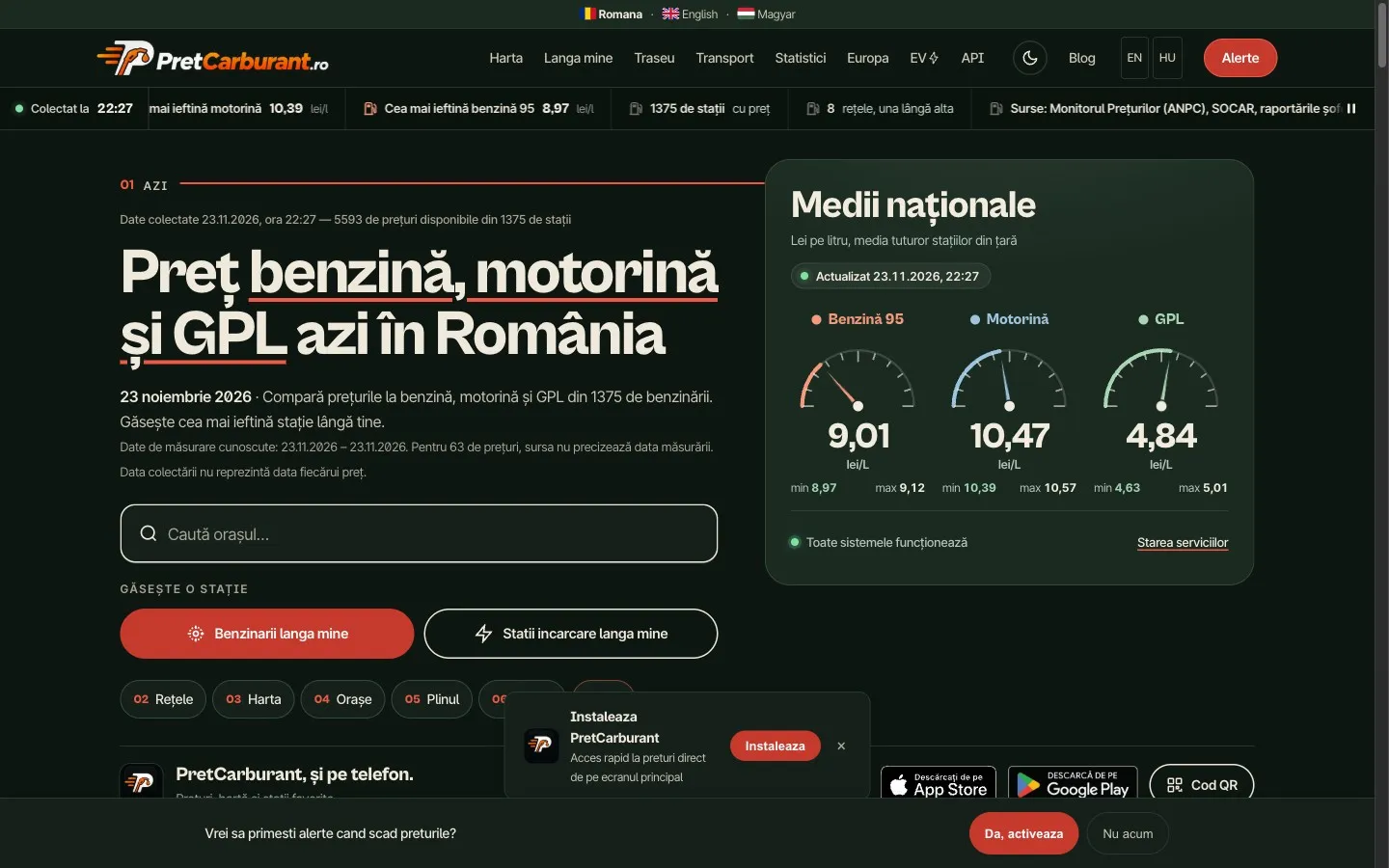
PretCarburant is our fuel price product: petrol, diesel and LPG prices in six countries, refreshed every 2 hours, with price-drop alerts and a trip-cost calculator. Its iOS app is native SwiftUI, includes a home-screen widget and has been submitted to the App Store. It works in Romanian, English and Hungarian. Before each release, the product has to pass 11,874 automated tests.
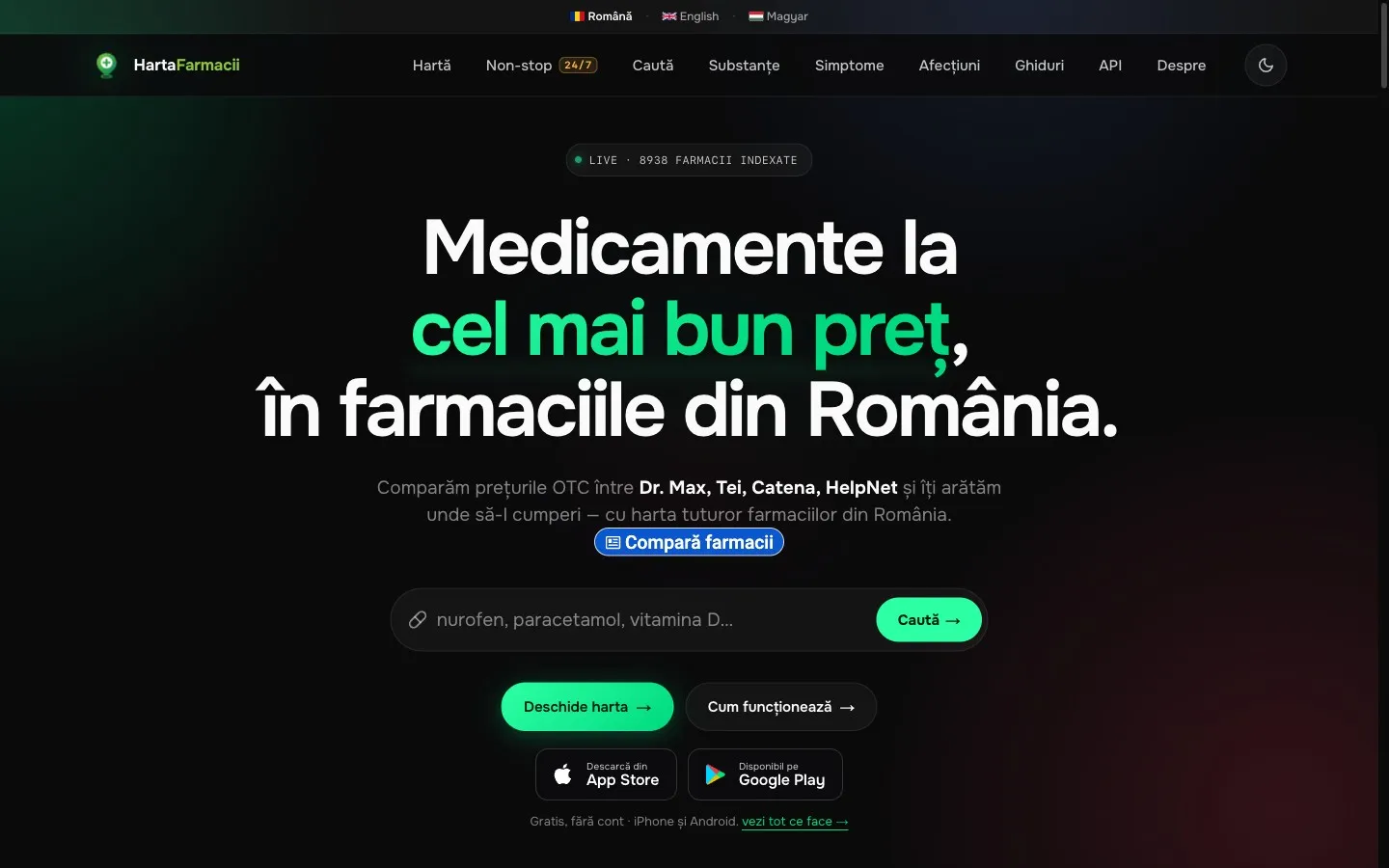
HartaFarmacii is the second. Its iOS app, written in SwiftUI, sits on top of a large dataset: 8,937 pharmacies with their opening hours, including those on duty or open 24/7, 3,990 medical places, and 85,568 products with a live price, compared across pharmacy chains.
Both products have an Android app live on Google Play, one in native Kotlin and one in React Native. If you need both platforms, see Android app development and React Native app development for how we choose.
The first step is a free initial analysis. We ask what the app has to show, where its data comes from, whether it needs accounts or location, and whether a widget would help. From that you get a fixed price for the whole project, before any work starts.
Then we design the screens and write the app in SwiftUI with automated tests, plus the API behind it if you have none.
App Store submission is a stage of its own, because Apple reviews every app before it appears in the store. A submission needs an App Store page with texts and screenshots, a privacy policy, a declaration of the data the app collects and, when the app has accounts, a test login for the reviewer. Apple also expects an app where people can create an account to let them delete it in the app. We plan for these rules from the start, prepare the page and handle the submission. Approval and its timing are Apple’s decision, so we do not promise a date.
The source code becomes yours after the final payment. Monthly maintenance is optional. Apple releases a new version of iOS every year, and maintenance is how an app keeps up.
Our pricing page explains what shapes the cost of an app, including the costs that come from Apple rather than from development.
SwiftUI is Apple’s own framework for building interfaces. We describe what a screen should show and the system keeps it in step with the data: when a price changes, the screen follows. Dark mode, larger text sizes and other behaviour iPhone users expect come largely built in. Widgets on iOS are written in SwiftUI too, so an app and its widget share building blocks instead of being two separate projects.
A native app gets what Apple adds to iOS first, without waiting for a cross-platform layer to catch up. It matters less for an app made mostly of data screens that must launch on Android and iPhone together; there, one React Native codebase can be the better call.
The app gets its data from an API. We build that too, on Python and Flask in our own products, as part of the same mobile app development service.
It makes sense for companies that already have an Android app or web platform and now need an iPhone app, and for products where one piece of information matters every day, so a home-screen widget would put it in front of the user. If you are abroad and want an iOS app development company inside the European Union, the terms are the same for everyone: a fixed price before work starts and code you own at the end.
Tell us through the contact page what your iPhone app should do, and we start with the free initial analysis.
Updated C&S Visionary Systems team
Our own iOS apps are native: PretCarburant and HartaFarmacii for iOS are both written in SwiftUI. When one codebase for Android and iOS suits a project better, we use React Native, and we tell you which fits after the free initial analysis.
Yes. We prepare the App Store page and handle the submission, as we did for PretCarburant, our own SwiftUI app. Apple reviews every app, so approval and its timing are Apple's decision.
Yes. PretCarburant for iOS has a home-screen widget, written in SwiftUI like the rest of the app.
There is no price list: you get a fixed price for the whole project after a free initial analysis, before any work starts.
You do, once the final payment is made. After launch you can keep us on optional monthly maintenance for updates, fixes and new features, or hand the code to your own developers.
Tell us about it. The first analysis is free and you get a fixed price before any work starts.
Start a project